
Overview
Use the Receipt API to send structured sale and return receipts from a POS system to Kivra. It is built for partners that send merchant and store details with each receipt.
Key concepts
Section titled “Key concepts”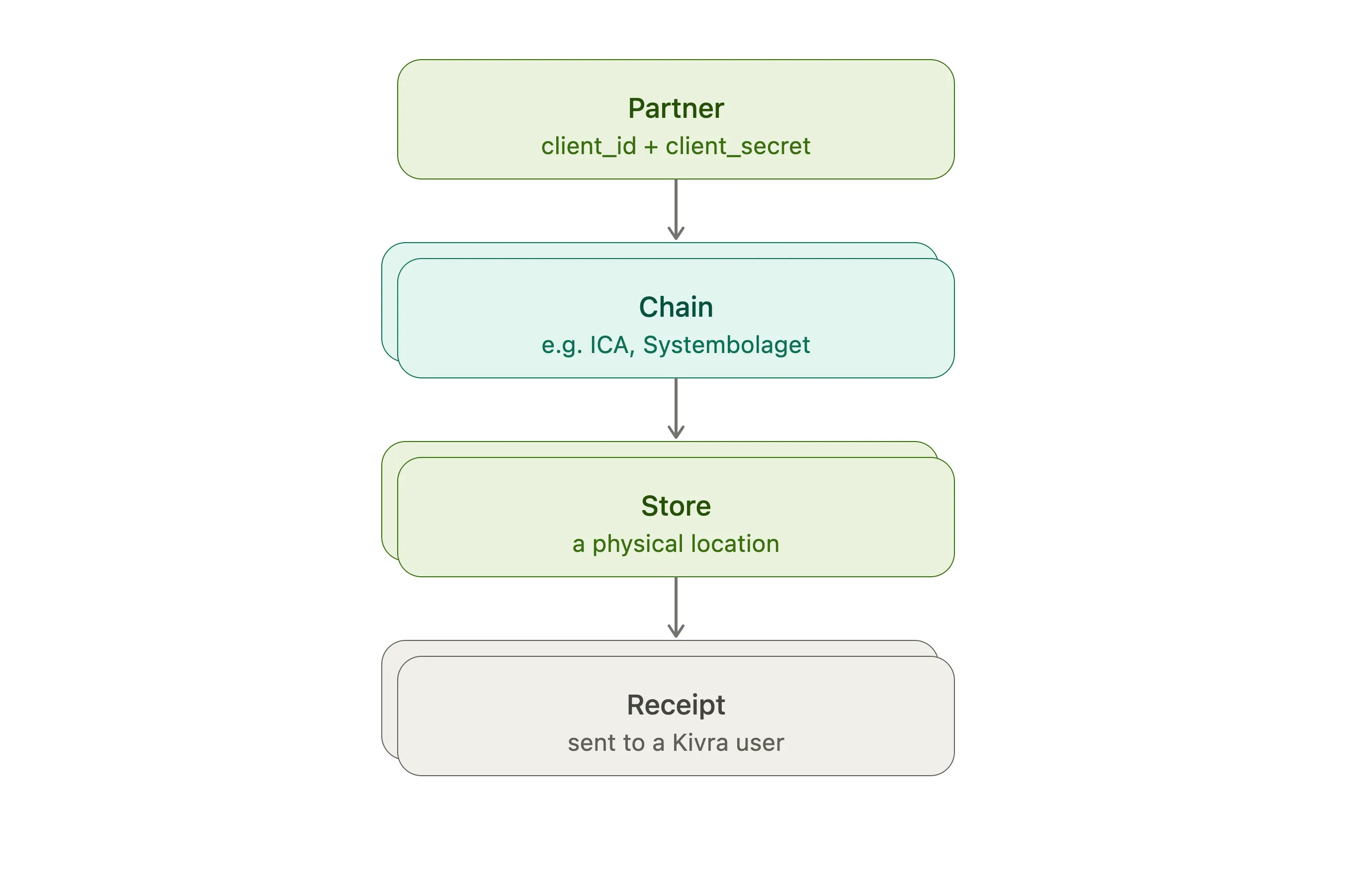
| Concept | Meaning |
|---|---|
| Partner | Your organisation. Partner credentials can manage all of your chains and stores. |
| Chain | A retail chain or brand. A partner can manage multiple chains. |
| Store | A physical store belonging to a chain. Every receipt identifies a store. |
| Receipt | Structured sale or return data sent to Kivra. |
| Customer identifier | An SSN, verified email, phone number, or card token used to match the receipt to a user. |
Two receipt types are supported by the retail JSON schema:
salecontains sale items.returncontains return items.
Receipts should be sent for all customers, whether or not you think your POS system can uniquely identify the customer. Kivra can send back a QR code when a receipt cannot be immediately matched to a Kivra user which allows the user to manually claim their receipts. In some cases we can identify a customer as a Kivra user after the fact and deliver the receipt to them at a later time.
Integration flow
Section titled “Integration flow”- Request credentials and a partner token.
- Send your first receipt using the retail receipt schema.
- Review the receipt in Merchant Toolbox and adjust the payload.
Begin with sandbox credentials.